I built Obsidian into my productivity hub and stopped paying for five separate apps
I used to rely on a handful of apps to keep my digital life organized. One for taking notes, another for managing tasks, and a few more for planning projects and tracking everyday activities. While each app served its purpose, constantly switching be...
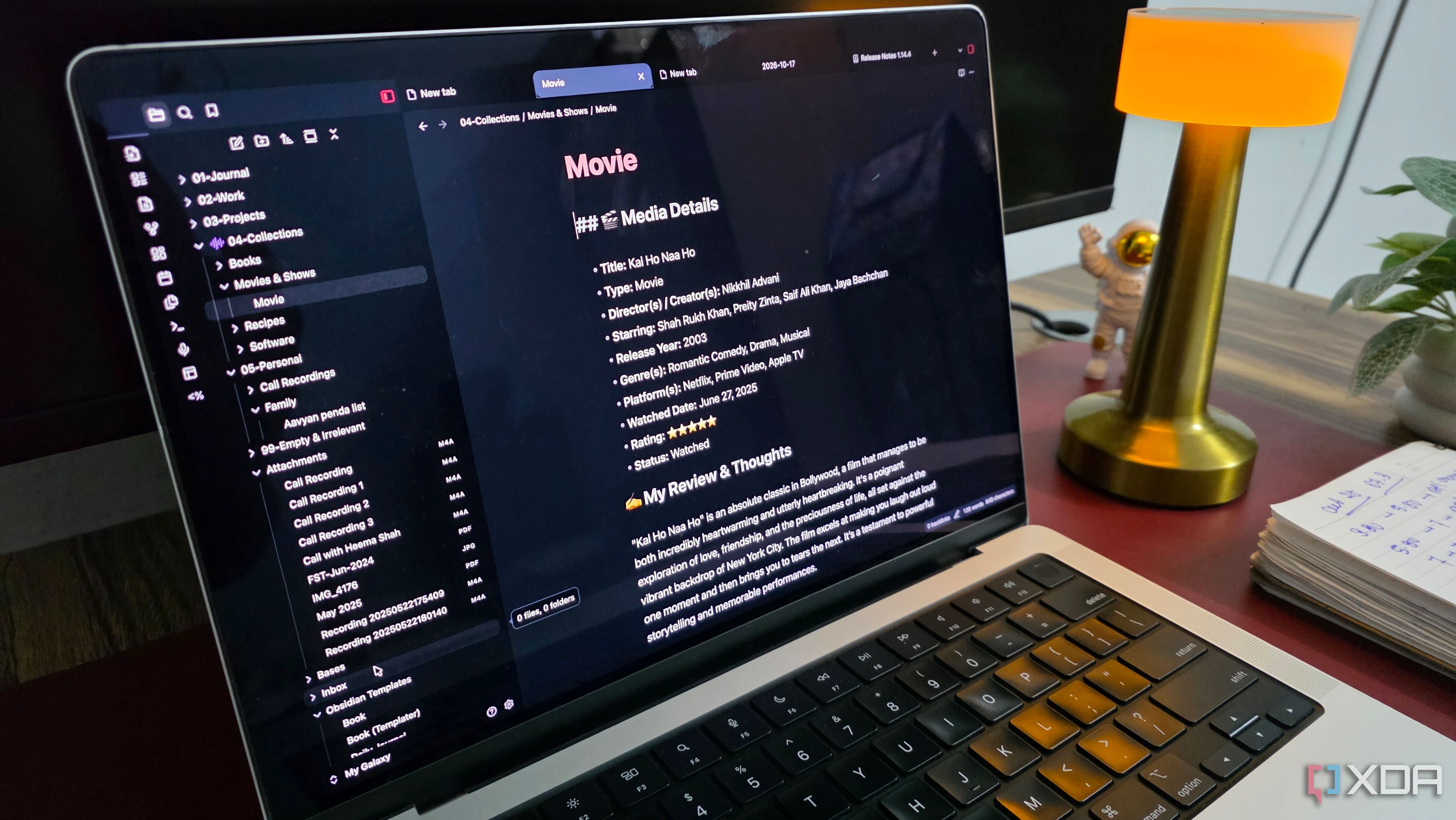
I used to rely on a handful of apps to keep my digital life organized. One for taking notes, another for managing tasks, and a few more for planning projects and tracking everyday activities. While each app served its purpose, constantly switching between them became frustrating, and the recurring subscription costs started adding up.
That's when I decided to see how far I could push Obsidian. I transformed Obsidian into a full-fledged productivity hub and eventually managed to replace five separate apps without compromising on the features I actually needed.
Obsidian replaced Evernote for my everyday notes
From scattered notebooks to connected thinking
Evernote used to be my go-to app for taking notes. I had different notebooks for personal and professional use, along with tags to keep everything organized. I eventually started looking for something that offered more flexibility and control over how I managed my information. That's where Obsidian came in.
At its core, Obsidian handles everything I need from a traditional note-taking app. However, I was really convinced by Obsidian's internal linking system and graph view.
For example, I can maintain separate notes for article ideas, research, and useful references while linking them to the relevant projects. I also use a third-party plugin called AutoMover to move relevant notes to specific folders automatically.
And then there is the graph view, which lets me glance over the connected notes from a single interface. Obsidian offers everything I need for everyday note-taking while fitting naturally into the rest of my productivity setup.
Canvas eliminated the need for a separate whiteboard app
An infinite canvas, zero extra apps
Microsoft Whiteboard used to be my preferred tool for brainstorming ideas, creating mind maps, and visually organizing information. However, with Microsoft retiring Whiteboard, I turned to Obsidian Canvas to get the job done.
I can create an unlimited number of canvases, add text cards, insert images, embed web pages, and connect different elements using arrows.
What makes Canvas more useful is its integration with the rest of Obsidian. I can drag existing notes, open them in the split view, and even add attachments. This allows me to move seamlessly between brainstorming and writing while keeping everything organized in the same workspace.
Canvas isn't a complete replacement for Microsoft Whiteboard, especially if you rely heavily on freehand drawing or real-time collaboration. However, for my personal brainstorming needs, it works quite well.
Bases became my alternative to Notion databases
Notion-style databases without the extra baggage
Notion used to be my preferred app for managing databases, tracking projects, and organizing information. However, the introduction of Obsidian Bases changed the game for me.
I can organize existing notes into tables, assign properties such as deadlines, priorities, and status, and filter entries to find relevant information. It also supports Kanban views, which make it easier to visualize projects.
For my writing workflow, I can maintain a content calendar that tracks articles from the initial idea to publication. Of course, it won't match Notion's automation and advanced formulas, but it handles my personal requirements without another subscription.
Daily Notes replaced Day One
Every day has a story to tell
Day One was my preferred app for maintaining a digital journal, but I eventually realized I could replicate much of its functionality in Obsidian.
The built-in Daily Notes feature automatically creates a dated note for each day, while custom templates let me maintain a consistent journaling format. I use these entries to record personal reflections, important events, accomplishments, and random thoughts.
To make navigation easier, I installed the Calendar community plugin, which adds a monthly calendar in the bottom left corner. I can click any date to open its corresponding journal entry, while small dots indicate how much I have written.
The Tasks plugin took over my to-do lists
My to-do lists finally found their place
Todoist was another app I relied on for managing tasks and deadlines. However, the Obsidian Tasks community plugin made it possible to bring my to-do lists into the same workspace as my notes and projects.
It supports due dates, priorities, recurring tasks, and filtering. That makes it a capable alternative to a dedicated task manager. I can create tasks directly inside project notes and use queries to build a centralized dashboard displaying pending responsibilities, overdue tasks, and upcoming deadlines.
The best part of this setup is that Obsidian mobile apps have improved a lot in the last few months. So I have no problem accessing all my vaults or creating notes on the go.
My productivity stack needed a reset
Turning Obsidian into my productivity hub wasn't an overnight process. It took some experimentation, a few plugins, and plenty of tweaking to get everything working the way I wanted.
Of course, Obsidian doesn't match every feature offered by Notion, Todoist, or Evernote; it handles my everyday needs well. Everything lives in one place, and I have complete control over how it works. The money saved on subscriptions is a bonus, but the biggest improvement has been having a simpler, more connected workflow.
Obsidian
OS
Windows, macOS, Linux, iOS, iPadOS, Android
Individual pricing
Free normally; $4/month for Obsidian Sync
Obsidian is a Markdown-based knowledge management tool.