A guest Wi-Fi network isn't always the right place for your smart TV
Smart TVs have rightfully earned their bad reputation. Besides collecting data on the obvious stuff like what you're viewing, they run software that is often abandoned before the panel itself wears out, and they also sit on the same network as all of...
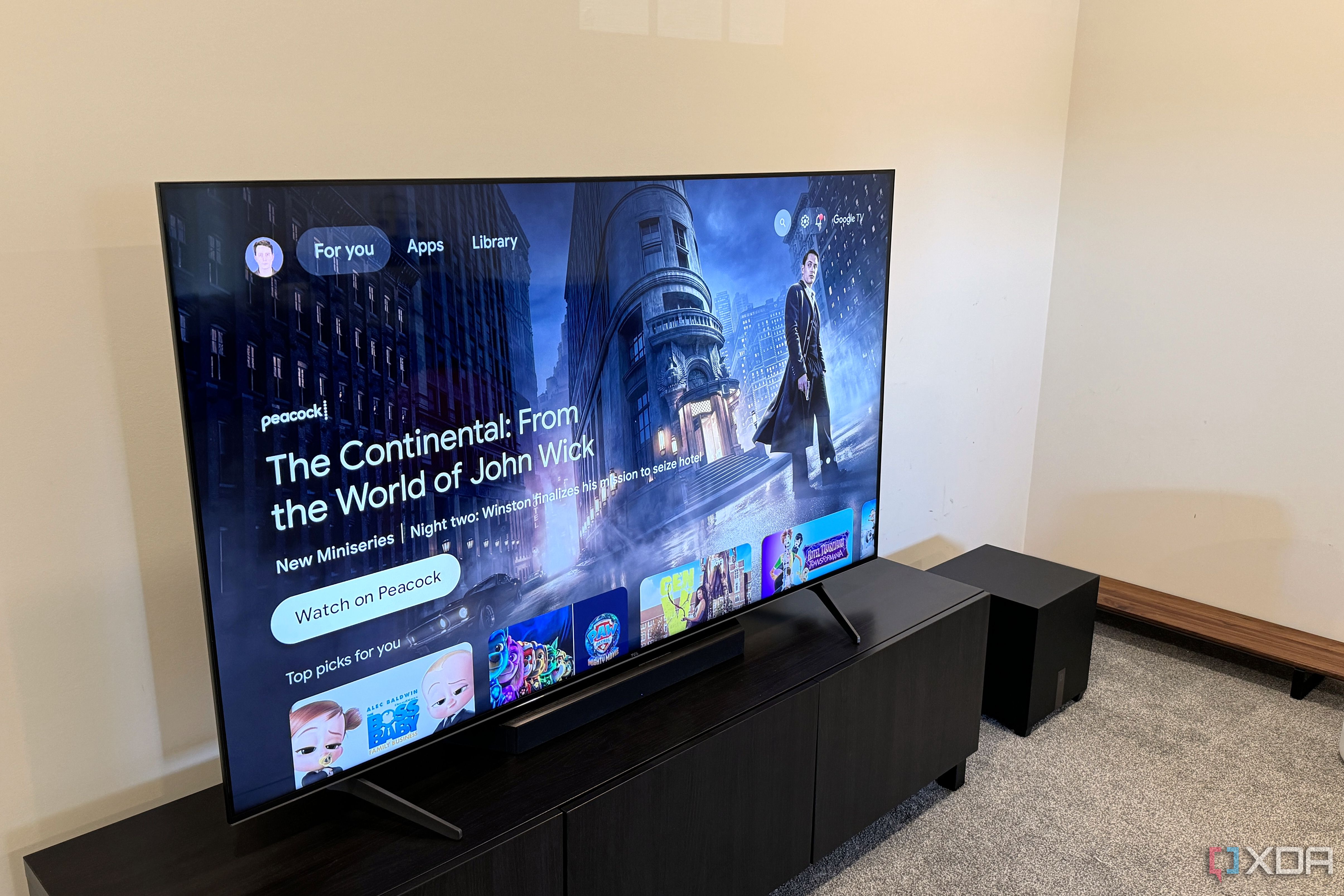
Smart TVs have rightfully earned their bad reputation. Besides collecting data on the obvious stuff like what you're viewing, they run software that is often abandoned before the panel itself wears out, and they also sit on the same network as all of your other devices. One of the most common pieces of home network security advice is to put your TV on your router's guest network as an isolation measure, but it's not always the best course of action. That isolation can break a lot of the features that make a smart TV worth using, and it doesn't actually tackle the privacy problem that you had to begin with.
Guest networks are built to keep devices apart
They're designed to isolate users that may be untrustworthy
Fundamentally, a guest network's job is to give visitors internet access without giving them see anything on your home network. Most routers are capable of this, and do so by isolating guest clients from the rest of the network by default. Many routers also stop guest devices from talking to each other as an added protection.
It's exactly what you want for an acquaintance, but it can cause a problem for your smart TV, because a lot of the features it has relies on local network connectivity. Casting is the prime example of this: if you tap the cast button on any media from your phone, it'll begin to look for compatible devices using local discovery protocols like SSDP and mDNS, which only works with devices on the same network as the phone.
This includes things like Chromecast and AirPlay, but also affects companions apps. The Roku mobile app, for example, finds TVs through SSDP and then sends commands over HTTP. Any sort of local media share will also become unaccessible through the TV, but apps launched directly from the TV like YouTube or Netflix will be fine.
The usual fixes for this will undo the isolation
It's a bit of a catch-22
When casting breaks, the fixes most will reach for will tend to put things right back where they started. The most direct one is the router setting that lets guest devices access the local network. Turn it on and casting works again, but the TV can now reach your main network, which was the whole thing you were trying to prevent.
The other option is to switch the TV over to the router's IoT network, if it has one. That sounds like the right tool, but on many consumer routers it isn't a security boundary at all. On my TP-Link router, its IoT network isn't separated from the main network at all. It's handy for putting older 2.4GHz-only devices on their own SSID with their own security settings. As far as your other devices are concerned, though, the TV is still on your main network under a different name.
There is a Device Isolation feature on TP-Link routers, though, and it does what it says on the tin, but also breaks casting like the other fixes do.
The best fix is to remove the TV from your network entirely
Use a dedicated media box
The risk most people are trying to mitigate isn't even an attacker trying to access their sensitive data via a smart TV vulnerability. It's usually about the TV itself tracking what they watch and gathering data on them. Many smart TVs use automatic content recognition, or ACR, to identify what's on-screen. That includes content from a cable box or other device plugged in over HDMI, and the data goes back to the manufacturer for advertising. That traffic goes out to the internet, and a guest network allows internet traffic, so isolation does nothing about it.
Turning off ACR is one thing, but the cleaner fix is to just stop connecting the TV to your home network entirely. Most smart TVs can be set up without a Wi-Fi connection, which would eliminate any sort of data leaving the TV itself. Plugging a streaming box into it is how you restore connectivity for things like casting and streaming, and while it's not completely free of data collection, it usually won't have ACR. If you're truly concerned about privacy, the best move is to rely on an HTPC for home media consumption.
Set up your TV based on how you actually use it
A guest network can be completely fine for a TV that doesn't ever get casted to, and putting it on one definitely won't hurt your privacy ambitions. Once you cast, use a phone remote, or play media from a local server, it starts working against you, and any of the normal fixes you'd deploy for those would nullify any privacy benefit. For most people, the better answer is to switch off ACR, or, better still, leave the TV offline and let a streaming box handle the "smart" part.