79% of you think Razer's new gaming mouse feature counts as cheating
I doubt it will do a 180, though. Hey-hey! Last week, I asked whether Razer's "Perfect 180" feature on its new Basilisk V4 Pro gaming mouse counts as cheating. For the unaware, said feature allows a near-instant 180-degree spin to be mapped within t...
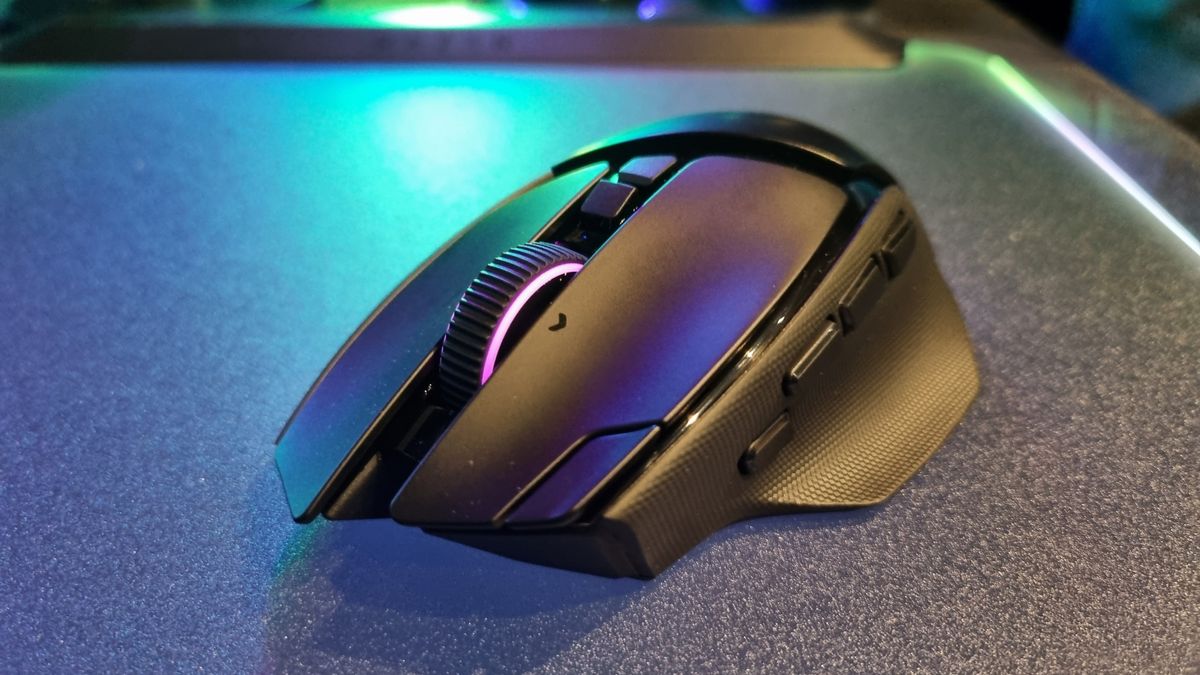
I doubt it will do a 180, though. Hey-hey!
Last week, I asked whether Razer's "Perfect 180" feature on its new Basilisk V4 Pro gaming mouse counts as cheating. For the unaware, said feature allows a near-instant 180-degree spin to be mapped within the software to a single mouse button. In other words, one click, one insta-turn to face whatever (or whoever) is behind you.
316 of you responded to the poll (where were the rest, asleep?), and the results are... unsurprising. 79% of respondents said yes, while 21% said no, it's totally fine.
Does Razer's "Perfect 180" gaming mouse feature count as cheating?
Out of 316 poll respondents, here are the results expressed as percentages:
Votes (%)
| Votes (%) Data | |
|---|---|
| Product | Value |
|---|---|
| Yes | 79 |
| No | 21 |
Or just "no." I'm adding a bit of flavour to that one. Looking through the comments, many seemed to echo the sentiments of TrexLaser, who says: "Anything that moves the mouse for you is cheating."
However, some took a more nuanced approach. Terito697174 says the real issue might be in the determination of cheaters, as overly snappy aiming is often the only way for another player to reasonably assess whether they're up against an opponent with an unfair advantage.
Salvador Pardiñas makes a good point: "I can sort of understand it as an accessibility option for people who can't normally do a 180 by themselves, but other than that it's just plain cheating."
Certainly, those with differing abilities might find a 180 turn on a mouse button a very useful thing indeed. However, that doesn't seem to be the way Razer is currently pitching it, as the feature blurb on the Basilisk V4 Pro product page describes it as "built for low-sensitivity gaming," rather than as an accessibility option.
Commenter Fojacko brings up a real blast from the past: "Welcome to the 2000s, Razer. The Intellipoint software says hi."
The PC Gamer Circuit Breaker newsletter breaks down the latest PC gaming tech, and finds you the best deals on the best products
I'd forgotten all about Microsoft's SideWinder gaming mice from back in the day, which, via the Intellipoint mouse software, could reassign a side button to perform 180-degree or full 360-degree turns. "Quick turn never took off back then for a reason," says Fojacko. Erm, I'm not quite sure why. Was it not as useful as we might think?
Anyway, the feelings of the majority have been made clear. I doubt Razer will rescind the feature regardless, but I will definitely be looking out for insta-turning players in multiplayer games from now on.
"I know what mouse you use," I'll think to myself. Also, "How on earth am I supposed to compete with that?"
- Best wireless:
Razer Viper V4 Pro
- Best wired:
Logitech G502 X
- Best budget wireless:
Mchose G3 V2 Pro
- Best budget wired:
Glorious Model O Eternal
- Best competitive:
Logitech G Pro X2 Superstrike
- Best lightweight:
Corsair Sabre V2 Pro
- Best MMO:
Corsair Scimitar Elite Wireless SE
- Best small:
Razer Cobra HyperSpeed
- Best ambidextrous:
Logitech G Pro
- Best ergonomic:
Keychron M5
- Best customizable:
Orbital Pathfinder
Andy built his first gaming PC at the tender age of 12, when IDE cables were a thing and high resolution wasn't. 26 years later (yes he's getting old), he now spends his days writing about and reviewing graphics cards, CPUs, keyboards, mice, gaming headsets and much, much more. You name it, if it's PC gaming hardware he'll write words about it, with opinions and everything.
You must confirm your public display name before commenting
Please logout and then login again, you will then be prompted to enter your display name.